Notch
$19.95
Helpful Guides
No Tutorials Found
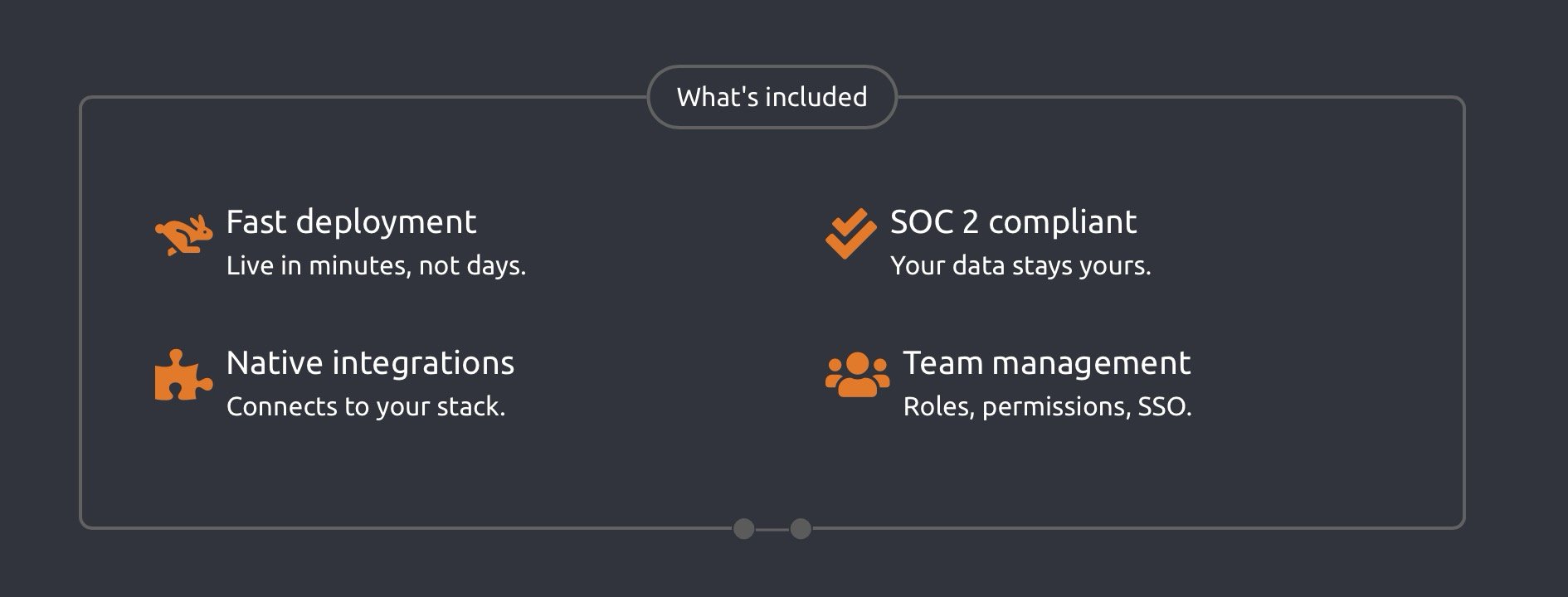

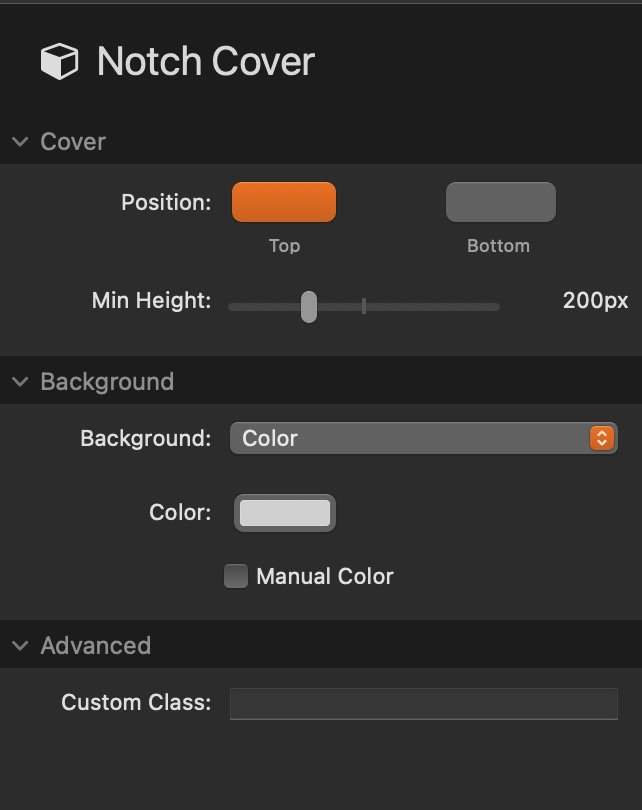
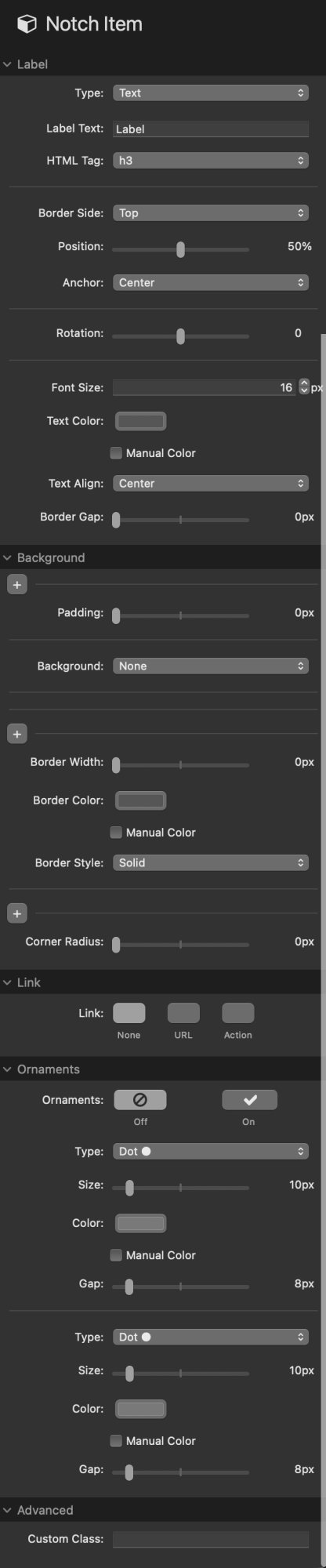
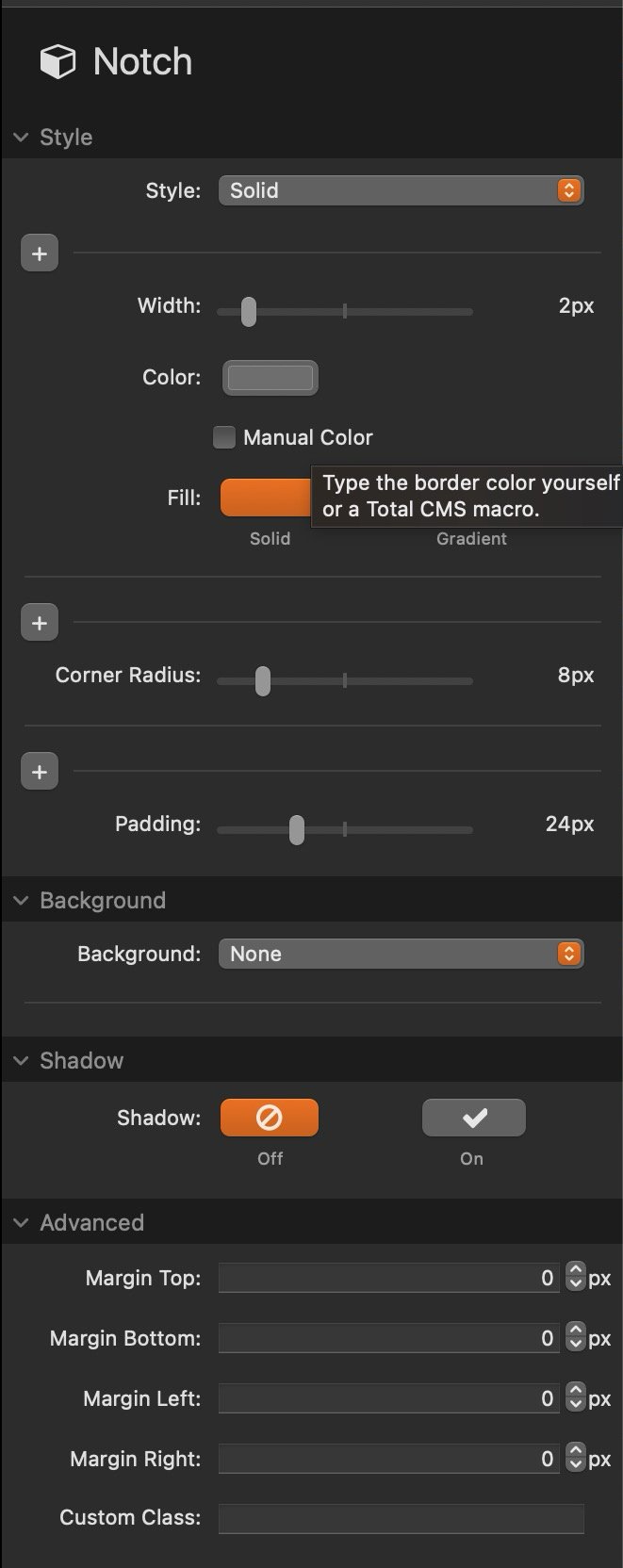
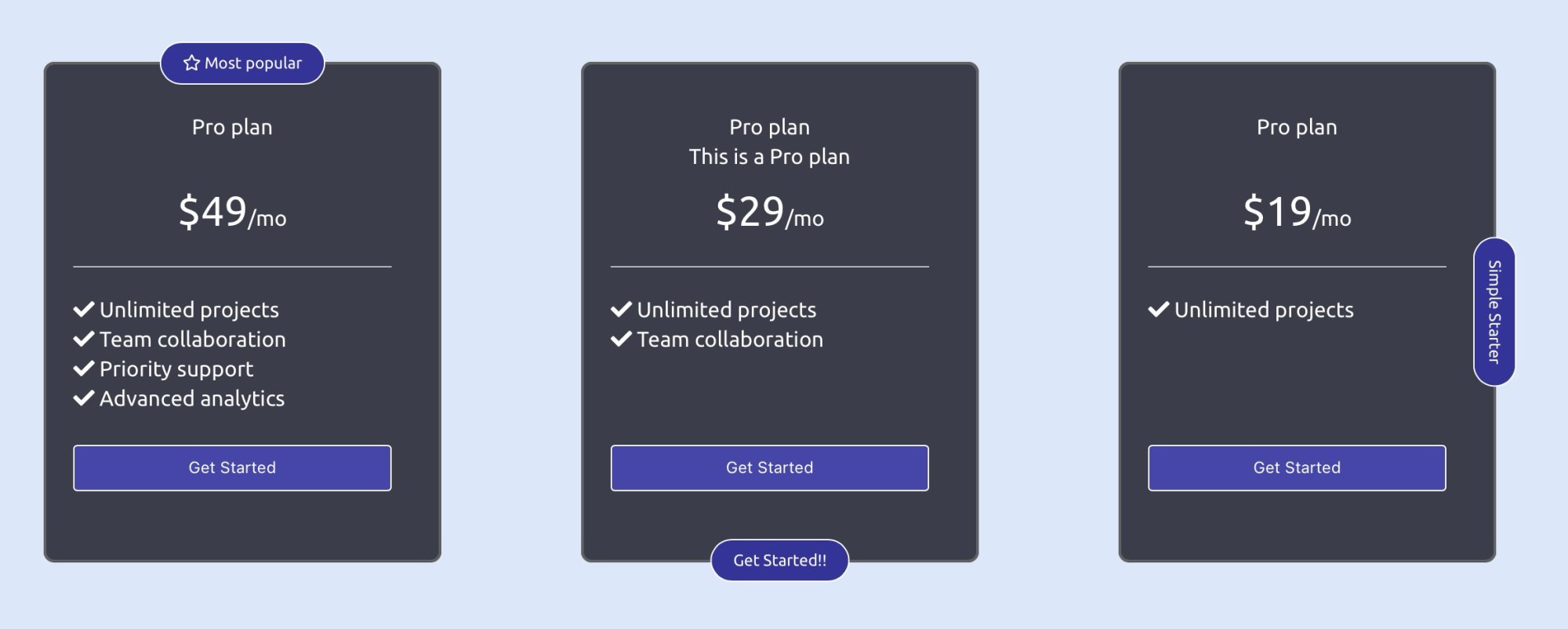
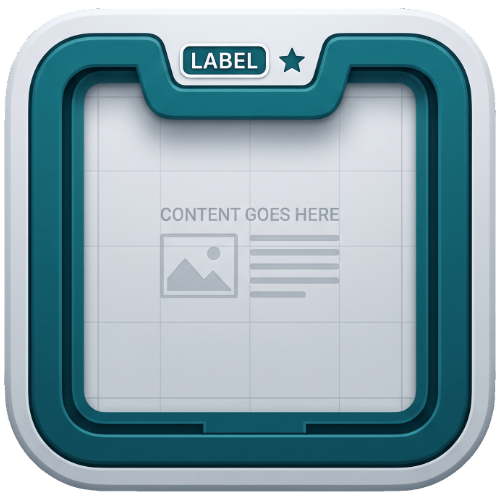
Labels that sit on the border. Real gaps, not background tricks. Notch is a bordered content frame for Stacks App. Drop a label, heading or image anywhere on the border and Notch cuts a clean gap around it with clip-path. No matching background colors. No hacks. It works over photos, gradients and textures because the gap is real. Notch measures each label in the browser, including rotation and ornament widths, then cuts a precise polygon out of the border itself. The line stops, the label sits in the gap and the line resumes. Put the frame over anything you want. The frame. Solid or gradient borders, per-corner rounding, per-side padding, five background types, shadows and margins. The label. Text or image, on any side, at any position, with anchoring, rotation, ornaments, its own background and an optional link. Equal-height rows across cards. Give each card the same sections and matching sections stay the same height across the row. Headers line up, footers line up, no manual height fiddling. A full-bleed image or color band pinned to the top or bottom of the frame. It runs edge to edge, clips to your corner rounding and sits behind the border labels. Instant card headers. Top, right, bottom or left. Slide the position from corner to corner. Rotate for vertical labels along the sides. Add as many items as you need; notches on the same side merge automatically so they never collide. Flank a label with dots, diamonds, triangles, any character or emoji, or your own images. Left and right ornaments are styled independently, so an arrow on one side and a dot on the other is two clicks. The frame, every label and the cover all take the same five fills: none, color, local image, warehouse image or gradient. Image fills get fit and focus controls, a blur slider and a color overlay for readable text over busy photos. Every color control has a manual mode that accepts any CSS value or a Total CMS 3 macro. Warehouse images use the standard link picker, so CMS image macros work too. Anchor labels to the right and repeated items with different title lengths all end at the same point on the border. Set a label to link mode for a normal link, or action mode to add a custom attribute like Labels that poke inward push the content padding out automatically. Labels that poke outward reserve margin, and that margin is equalized across sibling cards so rows stay aligned. Semantic heading tags (h1 to h6) on text labels keep your SEO intact. Pricing cards with the plan name cut into the border. Team grids with a photo cover and a title on the frame. Feature callouts with vertical labels down the side. CMS-driven card layouts where every title, color and image comes from Total CMS. If a design calls for a label on a border, Notch is the whole job. Yes. The notch is a real gap cut with clip-path, so whatever sits behind the frame shows through. That is the point of the stack. No. Notch works fine with static content. The CMS hooks are there when you want them. Yes. Set the border width to 0 and keep the backgrounds, covers, equal-height sections and positioned labels. Updates appear in your Stacks library automatically. Buy once, stay current. Stop faking it with background colors. Cut the border for real.Four stacks, one system
Notch
Notch Item
Notch Section
Notch Cover
Built for real layouts
Labels go anywhere
Ornaments
Backgrounds everywhere
Made for CMS content
Clickable labels
data-fslightbox. Your border labels can open lightboxes and modals without a line of code.It stays out of your way
What people build with it
The details
Common questions
Does it work over image backgrounds?
Do I need Total CMS?
Can I use it without a visible border?
How do updates work?
Put your labels where the design wants them
What you get!
Licensed for use on all your sites, including client projects. [INSERT: confirm or adjust license terms]
Required / Recommended
Stacks 5 plugin or Stacks App
Latest Reviews
{name}
{rating}
{comment}